What Is a CRM? Complete Guide for Beginners (2025)
Customer expectations have never been higher. Whether you’re running a small online store, a local service business, or a fast-growing startup, one thing is consistent: customers want fast communication, personalized experiences, and consistent follow-ups. That’s exactly where CRM software comes in.
CRM has become one of the most essential tools for businesses in 2025. According to multiple industry studies, over 91% of businesses with more than 10 employees use a CRM, and companies that adopt CRM software see an average 29% increase in sales productivity and 35% higher customer satisfaction.
If you’re new to CRM or trying to understand how it actually works, this guide will break everything down in the simplest yet most actionable way—based on real marketing, sales, and customer service experience.
What Is a CRM?
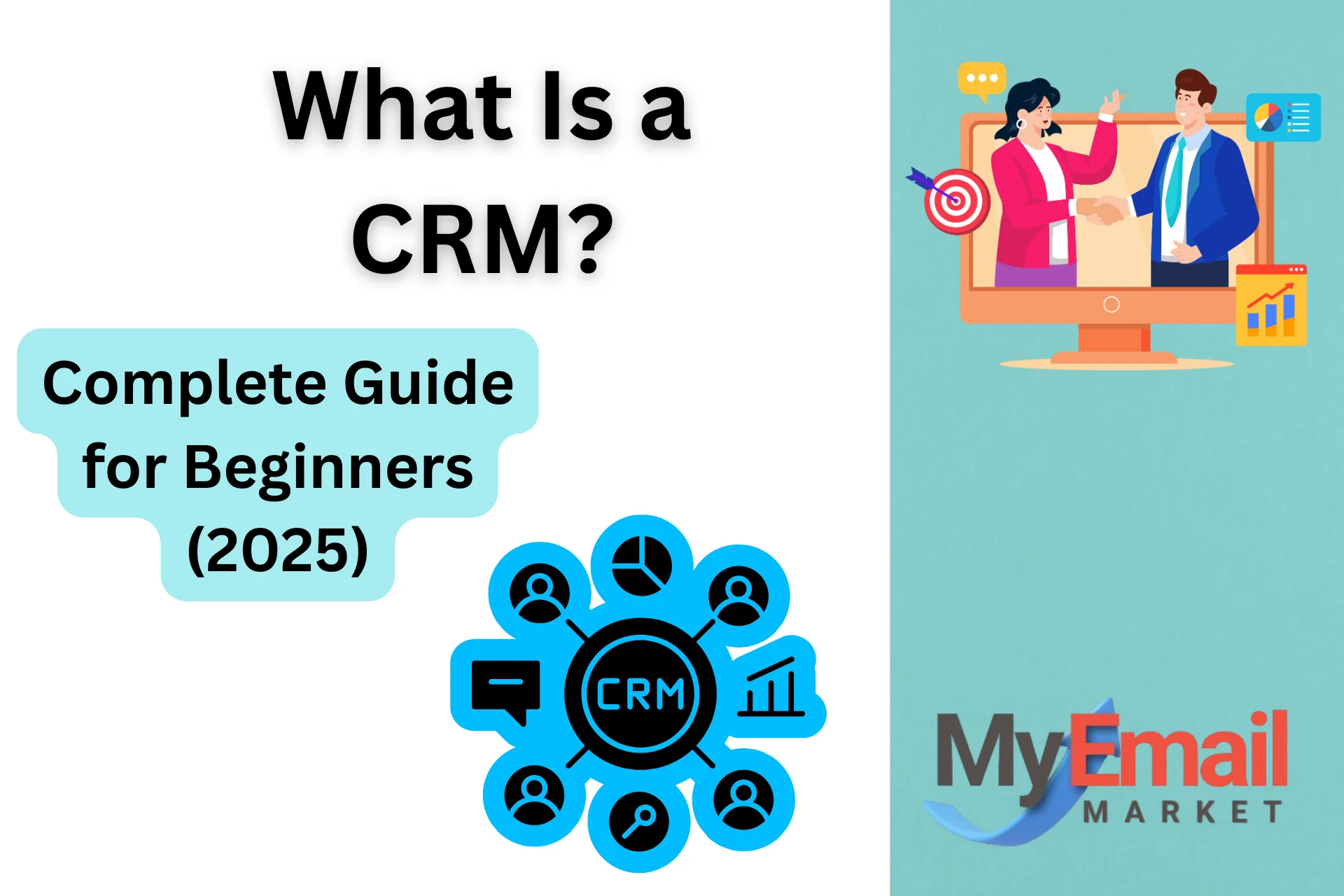
CRM (Customer Relationship Management) is a software system that helps businesses manage interactions, communication, and relationships with customers and leads.
A CRM centralizes all customer data in one place, including:
- Contact information
- Past communication
- Purchase history
- Website activity
- Sales interactions
- Support tickets
Instead of scattered spreadsheets, inboxes, and notes, a CRM creates a single source of truth for your team.
In simple words:
A CRM helps you organize your customers, automate communication, close more deals, and deliver better support.
Why CRM Matters in 2025
The business landscape in 2025 is driven heavily by automation, personalization, and AI-powered customer experience. Customers expect:
- Quick replies
- Personalized recommendations
- Omnichannel communication
- Seamless follow-ups
CRM is no longer “optional”—it’s the central hub for sales, marketing, and support.
3 Reasons CRM Has Become Essential in 2025
1. Customers expect personalization
With AI assistants and personalized shopping everywhere, a generic message is no longer enough.
A CRM tracks customer behavior so you can tailor messaging at every stage.
2. Manual follow-ups are no longer sustainable
Sales teams lose up to 30% of opportunities simply due to forgotten follow-ups.
CRM automation fixes this.
3. Centralized data = better decisions
In today’s competitive market, every customer insight matters. CRMs help you see:
- Which marketing channels convert
- What customers buy the most
- Which leads are ready to close
- Where bottlenecks exist in the pipeline
How Does a CRM Work?
A CRM works as a unified system that connects your sales, marketing, and customer support into one platform.
Here’s a simple breakdown:
1. Lead Capture
The CRM automatically collects leads from:
- Website forms
- Social media
- Emails
- Ads
- Chatbots
- Landing pages
2. Data Organization
Every new lead is stored along with:
- Activities
- Tags
- Stage in the pipeline
- Source of lead
3. Sales Pipeline Tracking
You can visually track a lead from:
Cold Lead → Engaged → Demo Booked → Follow-up → Customer
4. Automation
CRMs automate repetitive tasks like:
- Sending welcome emails
- Sending follow-ups
- Assigning leads to team members
- Notifying reps when a lead revisits your website
5. Reporting
CRMs provide analytics such as:
- Deal closing probability
- Revenue forecasts
- Lead source performance
- Sales team performance
Types of CRM Systems
Not all CRMs are the same. Based on how businesses use them, CRMs fall into three major categories:
1. Operational CRM
Helps automate and streamline:
- Sales
- Marketing
- Support
Best for: Small businesses and startups.
2. Analytical CRM
Focused on analyzing customer data to make better decisions.
Best for: Growing businesses needing insights and forecasting.
3. Collaborative CRM
Improves team coordination across:
- Sales
- Marketing
- Support
- Customer service
Best for: Companies with multiple teams or customer touchpoints.
Key Features of a CRM (Beginners Should Know)
Here are the must-have CRM features in 2025:
✔ Contact & Lead Management
Store detailed profiles, activities, notes, tags, and communication history.
✔ Sales Pipeline
Visual drag-and-drop pipeline showing where each lead currently stands.
✔ Email Automation
Automatically send:
- Welcome sequences
- Follow-up emails
- Drip campaigns
✔ Task Reminders
Never miss an important follow-up again.
✔ Reporting & Analytics
Track revenue, conversions, team performance, and ROI.
✔ Omnichannel Communication
Some CRMs integrate:
- SMS
- Social media
- Live chat
✔ Mobile App
For managing customer communication on the go.
Who Should Use a CRM?
A CRM isn’t just for big corporations. In fact, small businesses and solopreneurs benefit the most.
CRMs Are Perfect For:
- Freelancers
- Coaches & consultants
- Agencies
- E-commerce stores
- Real estate agents
- SaaS companies
- Local service businesses
If you manage customers, leads, or sales—you need a CRM.
Benefits of Using a CRM in 2025
1. Better Customer Experience
Personalized, quick, and consistent communication.
2. Higher Sales Conversion Rates
CRMs help you nurture leads, prioritize hot leads, and automate follow-ups.
3. Saves Time With Automation
Eliminate repetitive tasks and focus on selling.
4. Improves Team Collaboration
Everyone sees the same customer data.
5. Stronger Customer Retention
With CRM reminders and engagement tools, retention increases significantly.
6. Data-driven Decisions
CRMs help you understand performance trends and optimize accordingly.
Top CRM Examples in 2025 (Beginner-Friendly)
If you’re looking for where to start, here are top CRM tools widely used by beginners in 2025.
| CRM Tool | Best For | Starting Price |
|---|---|---|
| HubSpot CRM | Small businesses, free users | Free |
| Zoho CRM | Budget-friendly startups | $12/mo |
| Pipedrive | Sales teams & pipelines | $14/mo |
| Salesforce | Large businesses | $25/mo |
| Freshsales | AI automation | $9/mo |
Tip: Start with a free CRM before upgrading.
How to Choose the Right CRM (2025 Checklist)
Here’s a simple checklist to decide which CRM fits your business:
✔ Is it beginner-friendly?
✔ Does it offer automation?
✔ Does it integrate with tools you already use?
✔ Does it fit your budget?
✔ Is the mobile app good?
✔ Does it provide analytics?
✔ Does it scale as your business grows?
If the CRM meets at least 5 out of 7, it’s a good fit.
Common Mistakes Beginners Make With CRMs
1. Choosing a complex CRM
Many new users get overwhelmed. Start simple.
2. Not setting up automation
Automation is the real power of CRM.
3. Not updating customer data
Outdated data = poor decisions.
4. Not tracking the sales pipeline
Pipeline clarity can double conversions.
5. Using spreadsheets along with CRM
Pick one system and stick with it.
Pro Tips From a 10-Year Marketing Professional
⭐ Always integrate your CRM with your website forms and email marketing tool.
This automates lead capture.
⭐ Set up follow-up automations from day one.
Most leads need 5–7 touchpoints before buying.
⭐ Use tags and custom fields.
They help segment customers better.
⭐ Build a simple but clear sales pipeline.
Don’t overcomplicate it.
⭐ Check CRM analytics weekly.
This helps you fix bottlenecks before losing deals.
Conclusion: Is CRM Worth It in 2025?
Absolutely.
If there’s one tool that has the power to increase your revenue, improve customer experience, automate repetitive tasks, and help you scale faster—it’s a CRM.
Businesses that adopt CRM early gain a significant competitive advantage. Whether you’re a beginner or a growing company, CRM should be the core part of your marketing, sales, and support system.